QUOTE  →  JOB  →  PAID

Know your numbers. Build the life you started the business for.

See where the money's coming from and going, and whether you're on track to hire, buy the new ute, or take the holiday. Kelpie turns every job into the numbers that actually matter.

  • No card needed
  • 14 days free
  • Your numbers, day one
“Kelpie put my whole business on my phone. I quote on site, the invoice goes out the second the job's done, and the money lands without me chasing it. Game changer for a small team.”
@hakeaprojects
Alex Tasseron
Hakea Projects · Fairfield, VIC
Alex Tasseron

Your numbers, from a glance to the fine detail.

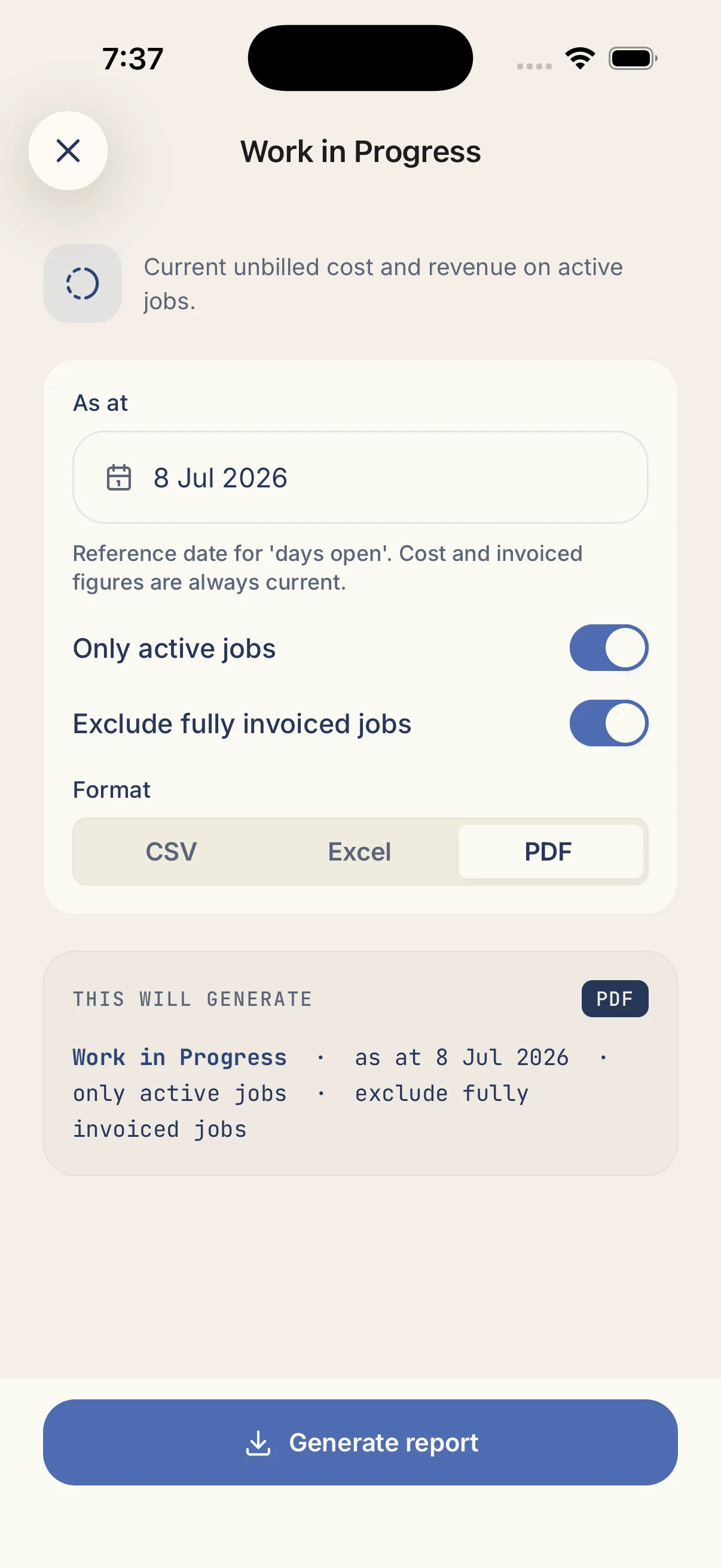
A live dashboard the moment you open Kelpie, and 16 built-in reports when you need to dig in, no spreadsheets to wrangle, no reporting add-on to buy.

Open Kelpie and see exactly where you stand.

  • Six-month cashflow at a glance, money in against money out, so you spot the squeeze before it hits.
  • What's owed and what's coming: outstanding invoices and your quote pipeline, split by overdue and due-soon.
  • A "Needs you" list that flags overdue visits, unpaid invoices and expiring quotes before they cost you.

Have a dig into any corner of your business.

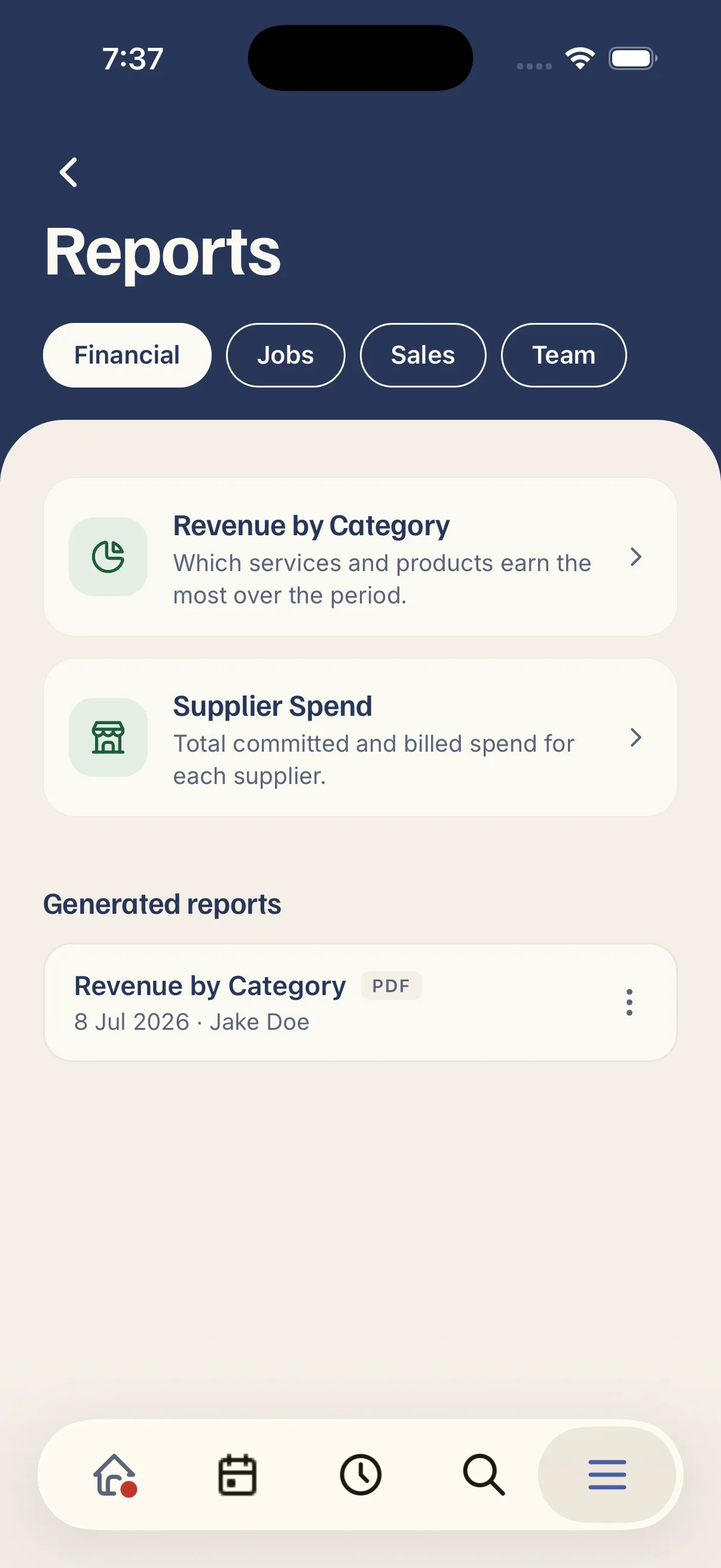
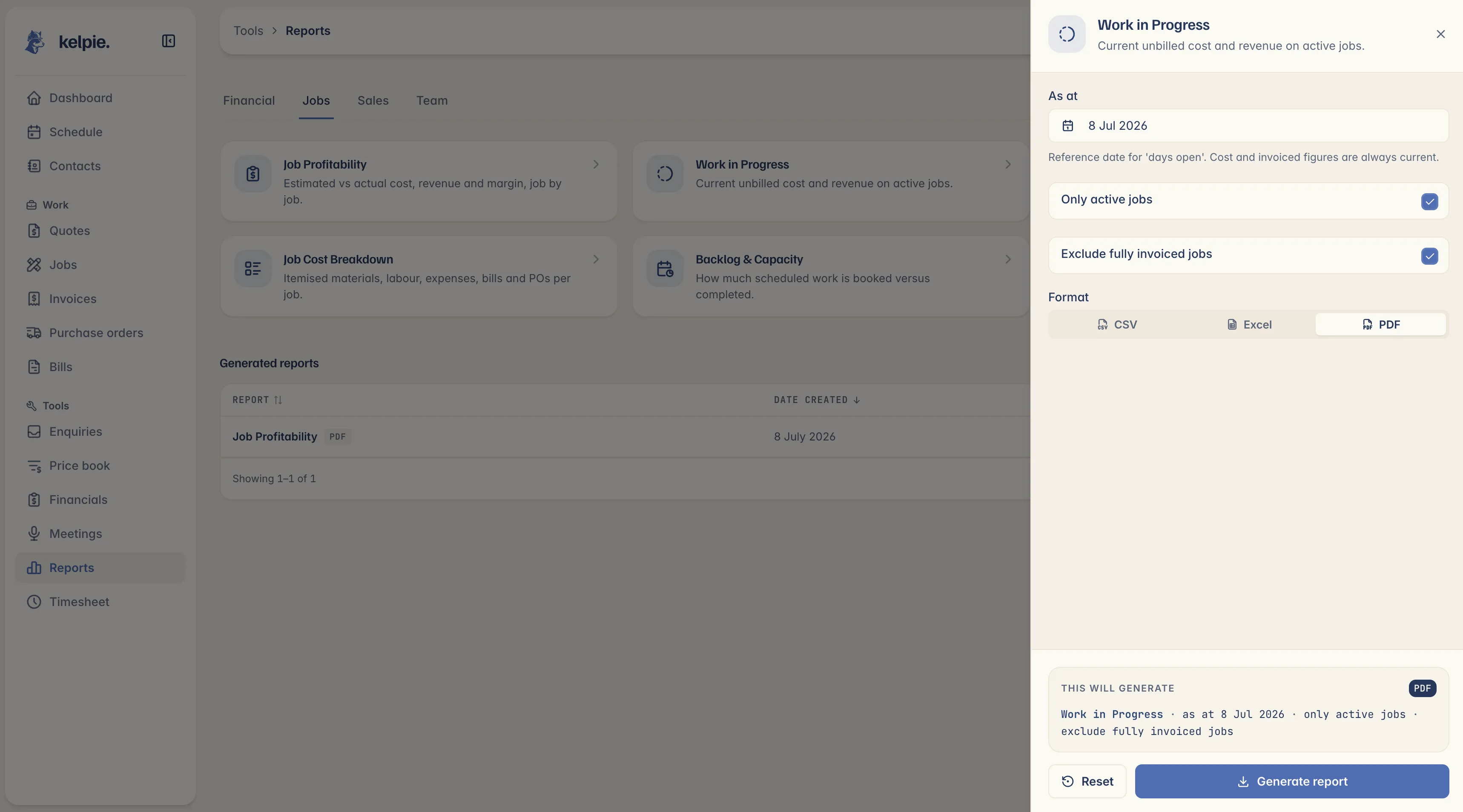
  • 16 built-in reports across Financial, Jobs, Sales and Team: no add-on, no upgrade.
  • Job Profitability shows estimated versus actual cost, variance and margin on every job.
  • Filter and group how you think: by date range, client, supplier, month or staff member.

Clean, branded reports you can actually use.

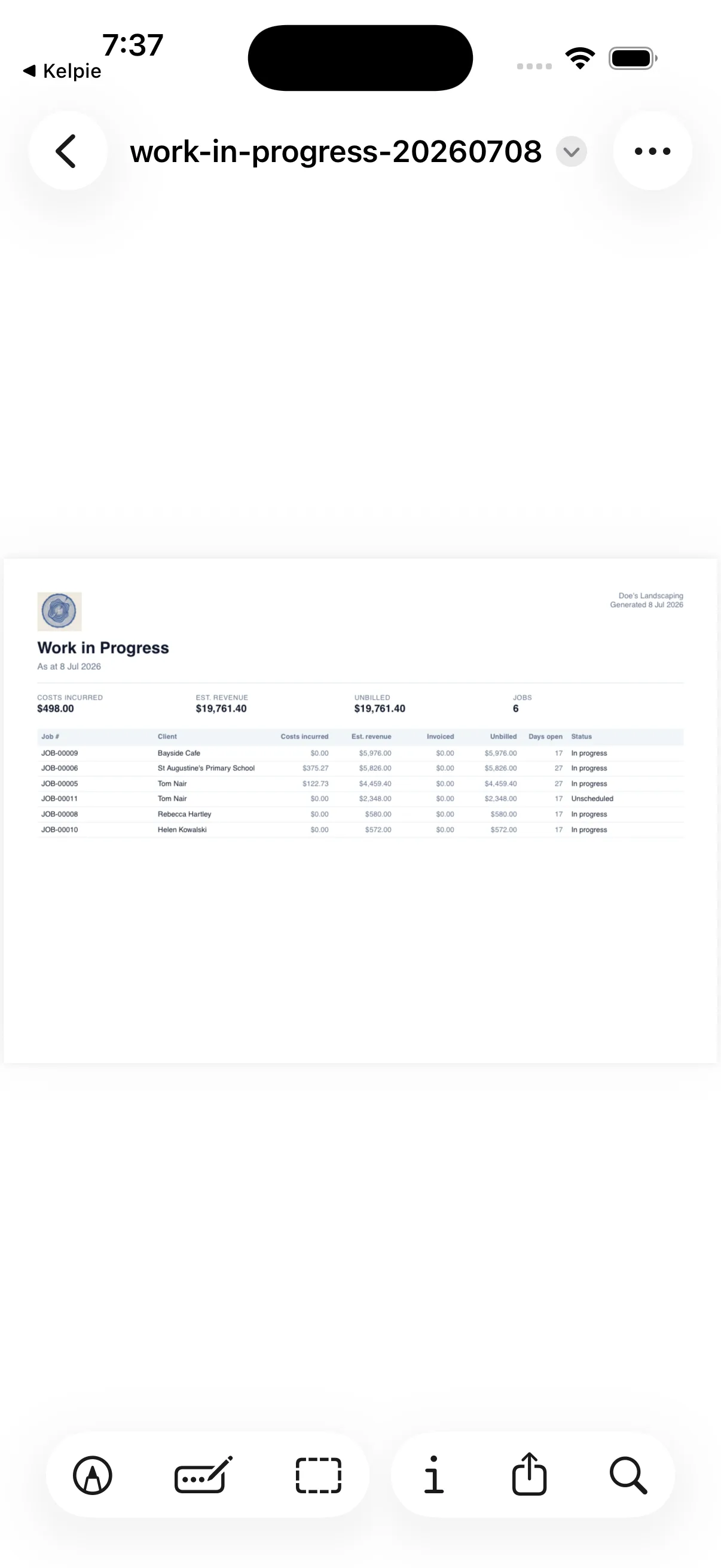
  • Export to PDF, Excel or CSV in one tap, pull the numbers out however you need them.
  • Branded PDFs with your logo and letterhead, ready to send straight to a client.
  • Any date range, including the Aussie financial year, and re-download anything you've run before.
“I used to do quotes and invoices at the kitchen table well after I clocked off. Now it's knocked out from the ute before I've pulled out of the driveway, I've got my evenings back.”
Luc Dunbar
Luc Antony Garden Designs · Keilor East, VIC
Luc Dunbar
Questions, answered

What tradies ask about reports.

Included on every plan. There's no reporting pack to buy and no reports locked behind a higher tier. Sixteen reports plus a live dashboard, in the box.

Sixteen, grouped into four suites: Financial, Jobs, Sales and Team. Revenue by category, job profitability, work in progress, quote conversion, top clients, staff utilisation and more.

Yes. The Job Profitability report puts estimated cost against actual cost, with the variance and margin on every job. So you know which work pays and which quietly bleeds.

Yes. PDF, Excel or CSV in one tap. Handy for your own records or a chat with your bookkeeper. Just note these are operational reports to help you run the business; they're not a substitute for your tax or BAS paperwork.

PDF reports carry your logo and business details as a letterhead, so they look the part when you send one to a client. Haven't set a logo yet? Your business name sits there instead.

Yep. Pick a preset like this month, this quarter or the Australian financial year (1 July – 30 June), or set your own custom range.

Staff Utilisation shows each person's billable share of their logged hours and their labour cost by job, so you can see who's flat out and who's got room to take more on.

Not automatically. There's no scheduled email. But your live dashboard is right there every time you open Kelpie, and any report is a couple of taps to generate or re-download whenever you want it.

The whole lot (dashboard, reports and exports) works on the phone, so you can pull your numbers from the ute, not just the office.

Not a chance. It's built for tradies, in plain English, a dashboard you can read at a glance and reports that get to the point. And there's no lock-in: take your data with you whenever you like.