QUOTE  →  JOB  →  PAID

Walk out of the meeting with the summary already written.

Record the conversation with your client's consent, and Kelpie turns it into a clear recap of what was discussed: scope, prices, site notes and next steps. You review it, tweak it if you need to, and send it straight to the client. No scribbling notes in the ute, no trying to remember what you agreed on a 45-minute site visit.

  • No card needed
  • 14 days free
  • Record from your phone
“Kelpie put my whole business on my phone. I quote on site, the invoice goes out the second the job's done, and the money lands without me chasing it. Game changer for a small team.”
@hakeaprojects
Alex Tasseron
Hakea Projects · Fairfield, VIC
Alex Tasseron

From site visit to client recap, without the admin.

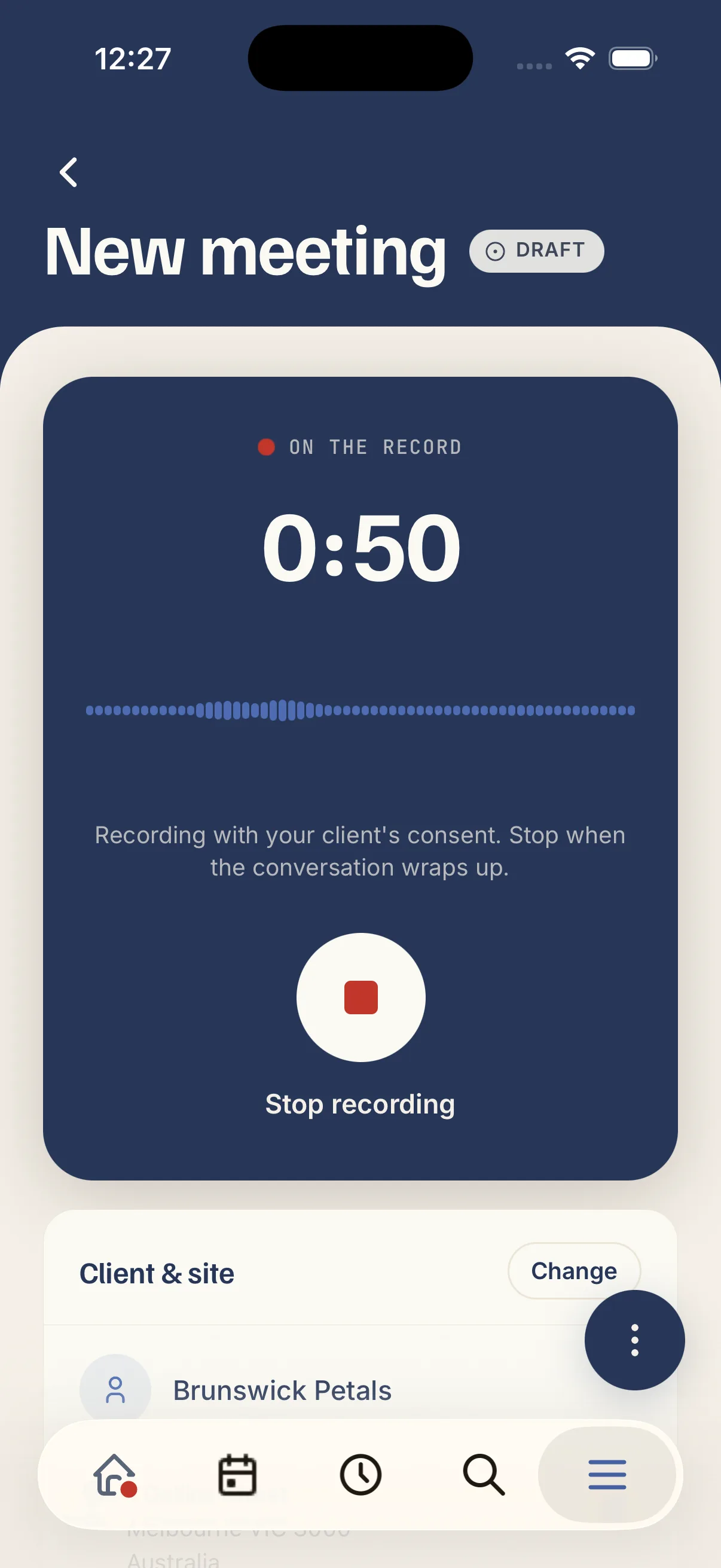
Record the meeting on your phone, Kelpie writes the summary, you approve it and send, all before you've left the driveway.

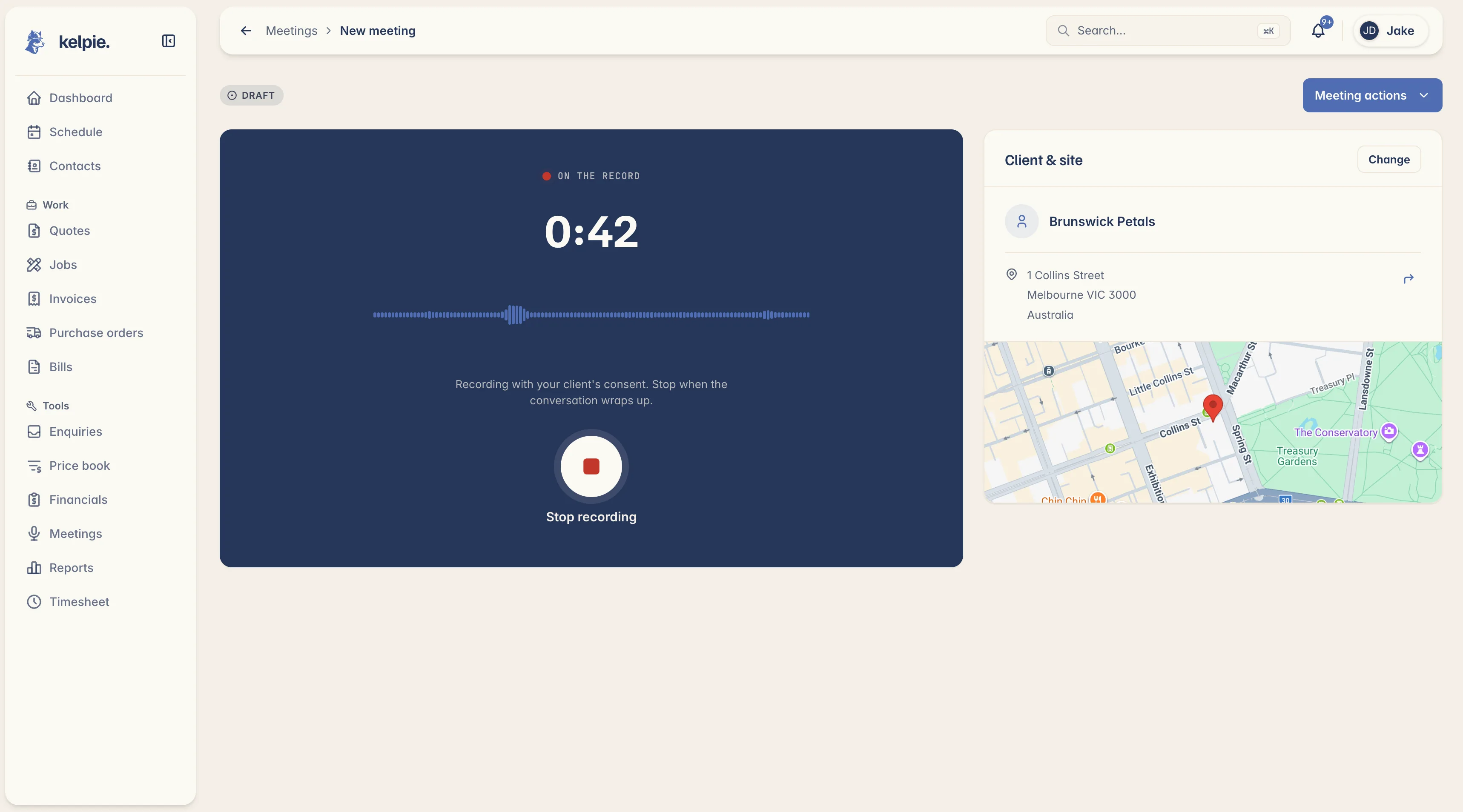
Record the meeting on site.

  • Consent first: your client knows they're being recorded and has agreed. Kelpie won't start until you've confirmed it.
  • On your phone, at the job: tap record and focus on the conversation, not the notepad. Works in the background while you walk the site.
  • Up to 2 hours: long enough for a proper quote walkthrough or scope discussion, without cutting you off mid-conversation.

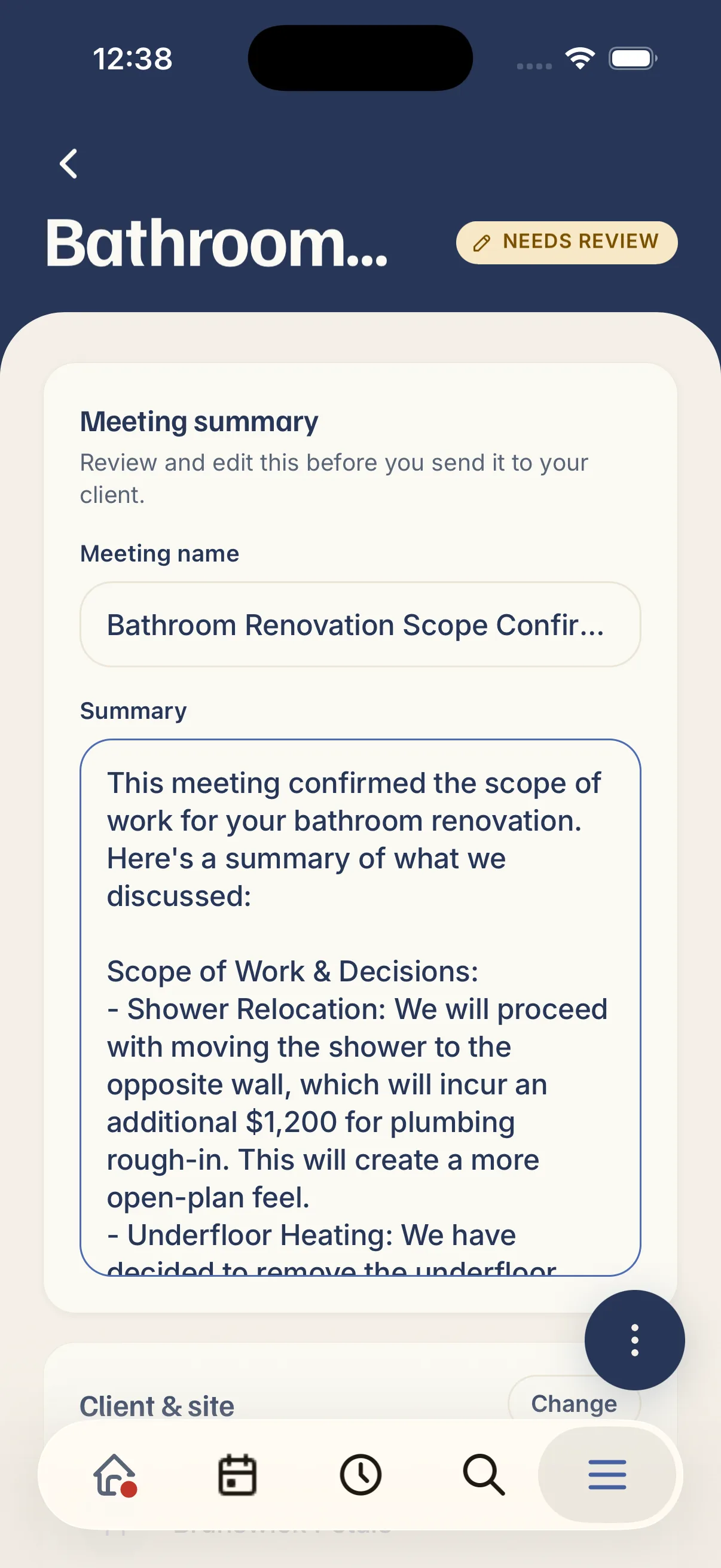
Kelpie writes the summary.

  • Scope, prices and next steps captured: the AI pulls out what was discussed, what was agreed, site access notes, and follow-ups, in plain, professional language.
  • A draft you can edit: review the summary, fix anything that needs tweaking, and give the meeting a name before it goes anywhere.
  • Your recording stays private: the audio is deleted once you approve the summary. Only the recap you sign off on is kept.

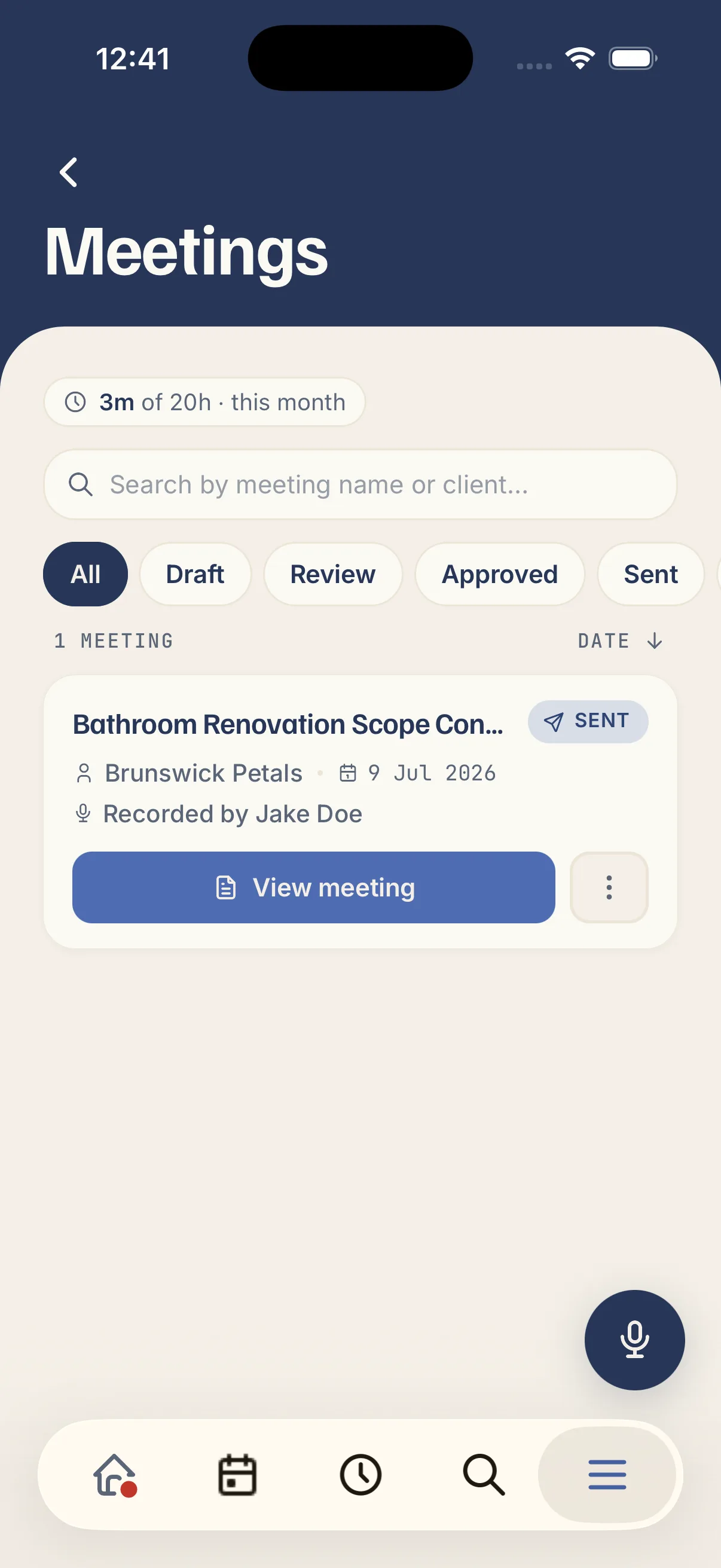
Send it to your client.

  • One tap to email: link a client, hit send, and they get a clean meeting summary from your business: scope, decisions and next steps, ready to reference.
  • You stay in control: nothing goes to the client until you've reviewed and approved it. Edit first, send when you're happy.
  • A record you both can trust: no more "I thought we agreed on…". You've both got the same recap of what was discussed.
“I used to do quotes and invoices at the kitchen table well after I clocked off. Now it's knocked out from the ute before I've pulled out of the driveway, I've got my evenings back.”
Luc Dunbar
Luc Antony Garden Designs · Keilor East, VIC
Luc Dunbar
Questions, answered

What tradies ask about meeting summaries.

Just the written summary, not the recording. It's a professional recap of what was discussed: the work and its scope, any prices or decisions agreed, site notes, and next steps. You review and approve it before it goes anywhere.

Recording laws vary, but the principle is the same everywhere: the person being recorded needs to know and agree. Kelpie asks you to confirm your client has consented before the microphone starts, and reminds you during the recording.

No. You can approve the summary and keep it for your own records, or send it when you're ready. Nothing goes to the client without your say-so.

Kelpie handles meetings up to 2 hours. The AI is instructed to capture scope, decisions, prices, site notes and follow-ups. You can also edit the draft before sending, so you can add anything it missed.

Yes. That's what it's built for. Record from the Kelpie app on your phone while you walk the site, and submit for transcription when the conversation wraps up.

It's deleted once you approve the summary. The audio doesn't get sent to your client and isn't kept long-term. Only the summary you sign off on stays.

Absolutely. The AI gives you a draft; you review it, change whatever you need, and send when you're happy. Once you approve it, the summary is locked.

Yes. It's built for Australian trade businesses: landscapers, plumbers, electricians, builders, and anyone who sits down with a client to discuss scope, price and next steps on site.

Yes. Link a client and their site address to the meeting so the summary goes to the right person, and you've got a record tied to the right job.

Included with Kelpie's AI add-on. Standard plans include 5 hours of recording per person per month; the AI add-on gives you 50 hours. No per-meeting charges.